Knowledge Base Articles
Get expert insights, how-to guides, product updates, and best practices for streamlining patch management, improving endpoint security, and optimizing IT operations.

Make sure you’re running supported versions of ConfigMgr and WSUS for seamless third-party patching.

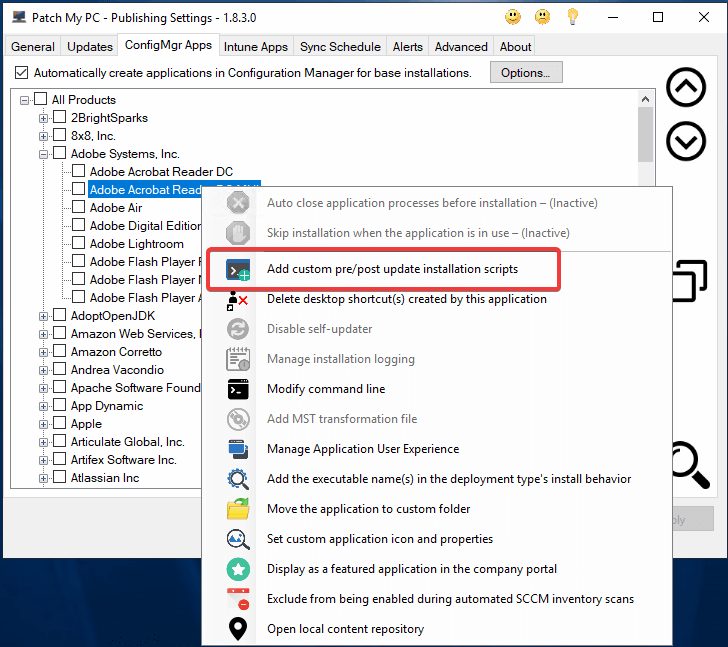
Customize Adobe installs by adding MST transforms to the Acrobat Reader base app in Patch My PC.
Run an Intune scan to detect supported third-party products and plan automated patching with Patch My PC.
Solve SCUP catalog SSL/TLS error _2146233079 and resume publishing Patch My PC updates without rebuilds.

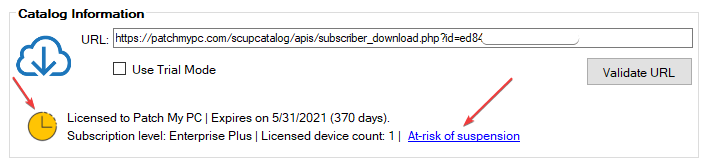
Understand Patch My PC subscription statuses, overdue invoice alerts, and actions to keep your account active.

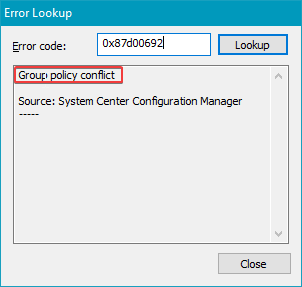
Fix update scan job error 0x87d00692 so SCCM assignments evaluate and install on schedule.
Resolve TRUST_FAIL publishing errors so SCCM sync agent can sign and distribute third-party updates again.
To publish Win32 applications to Microsoft Intune, you will need to create an Azure AD app registration with the permissions to Microsoft’s Graph API.
Understand SMSProvider and source folder settings to configure content publishing correctly.
Customize where content and logs are stored in the Publisher to suit your storage and compliance needs.