Knowledge Base Articles
Get expert insights, how-to guides, product updates, and best practices for streamlining patch management, improving endpoint security, and optimizing IT operations.

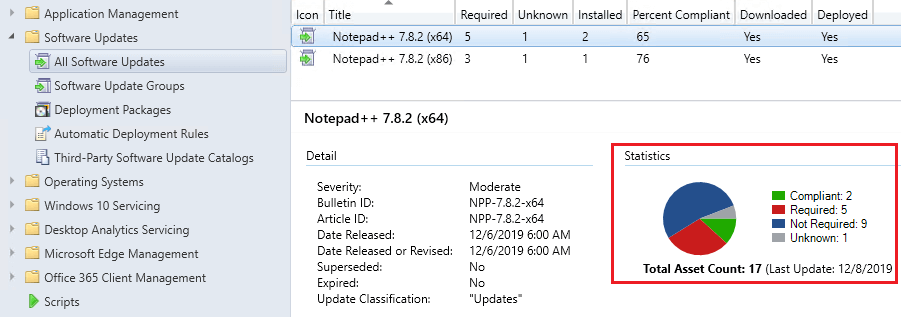
Viewing the applicability rules of a third-party update can help determine why an update does not appear in software center or install within SCCM.

The UpdateServicesPackages folder is a WSUS folder used to stage third-party updates. The folder can get large, but it can be cleaned up.
Get step-by-step instructions on deploying the WSUS signing certificate so updates install without warnings.
You can move the WSUSContent folder to a new drive or network share when you need to change the location or free up space on the WSUS server.

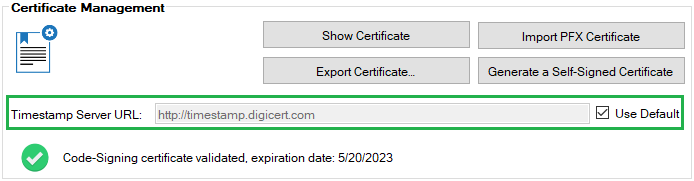
Publishing fails with a proxy? Learn how to configure proxy settings for reliable update downloads and publishing.

Clear WSUS subscription error _2147467259 and restore successful sync of update classifications and categories.
Save time in Patch My PC with right-click actions for updates and apps. Learnwhat’s possible and speed up your workflows today.

License activation errors? Learn how to fix common issues like invalid codes, expired keys, or connectivity problems.
License activation errors? Learn how to fix common issues like invalid codes, expired keys, or connectivity problems.
Email alerts not working? Here’s how to troubleshoot SMTP issues when configuring Patch My PC notifications.