Why Intune Certificate Expiration Matters More Than You Think
In this session, Patch My PC customer engineers Michael Escamilla, Rudy Ooms, and Ben Whitmore break down the recent Intune Intermediate Certificate Expiration situation, what it means for device trust and management, and why the upcoming Secure Boot certificate expiration is putting even more pressure on already-overextended IT teams.
Webinar Hosts

Patch My PC
Content Writer Manager

Patch My PC
Customer Engineer

Patch My PC
Systems Architect
Webinar Archive
Secure Boot Certificate Expiration 2026: Are You Actually Covered?

In this webinar, we’ll show you how to answer that question with confidence using a new report in Advanced Insights for ConfigMgr, giving you a clear, defensible view of what’s covered and what’s not. We are also be joined by Secure Boot expert Jeffrey Sutherland to share his insights.
Why the Secure Boot Certificate Update Is More Complicated Than It Looks
Secure Boot certificate changes are coming, and most teams don’t know if they’re ready for the June 2026 deadline. This isn’t a simple update you push and move on. It’s a multi-step process across firmware, bootloaders, and the operating system, which means gaps are easy to miss. Devices will continue to boot and reports may still look clean, but that doesn’t mean you’re secure. If updated certificates aren’t fully in place, older trust chains remain, leaving vulnerabilities like Black Lotus (CVE-2022-21894) exposed without any clear signal.
This is where teams get stuck. IT believes it’s handled. Security isn’t convinced. No one can confidently prove it either way.
What You’ll Walk Away With:


Webinar Hosts
Patch My PC
Content Writer Manager

Patch My PC
Senior Security Architect

Microsoft
Principal Program Manager Lead
Webinar Archive
Top 6 Challenges with Proactive Remediation and How to Solve Them in Intune
It’s Not a Hack, It’s a Framework:
April Fool’s Guide to Proactive Remediations WebinarProactive Remediations is one of the most powerful tools in Microsoft Intune. It’s also where a lot of environments quietly turn into script museums. At small scale, it feels clever. At enterprise scale, it becomes:
- 40+ scripts nobody wants to touch
- “DO NOT DELETE” comments from 2022
- Green dashboards that don’t actually mean safe
- And one admin who “just knows how it works”

The six most common ways Proactive Remediations breaks down at scale and what to do about it. Then we’ll show how automating third-party patching with Patch My PC removes a big chunk of the scripting chaos in the first place and reporting shenanigans in the second.
Webinar Hosts
Patch My PC
Systems Architect

Patch My PC
Director of Product, Emerging Technology
Patch My PC
Senior Security Architect
Webinar Archive
Why Intune Reporting Feels Hard and How Teams Are Solving It Webinar
Most teams are not missing data.
They are missing certainty.
Intune reporting looks fine until someone asks a question that matters.
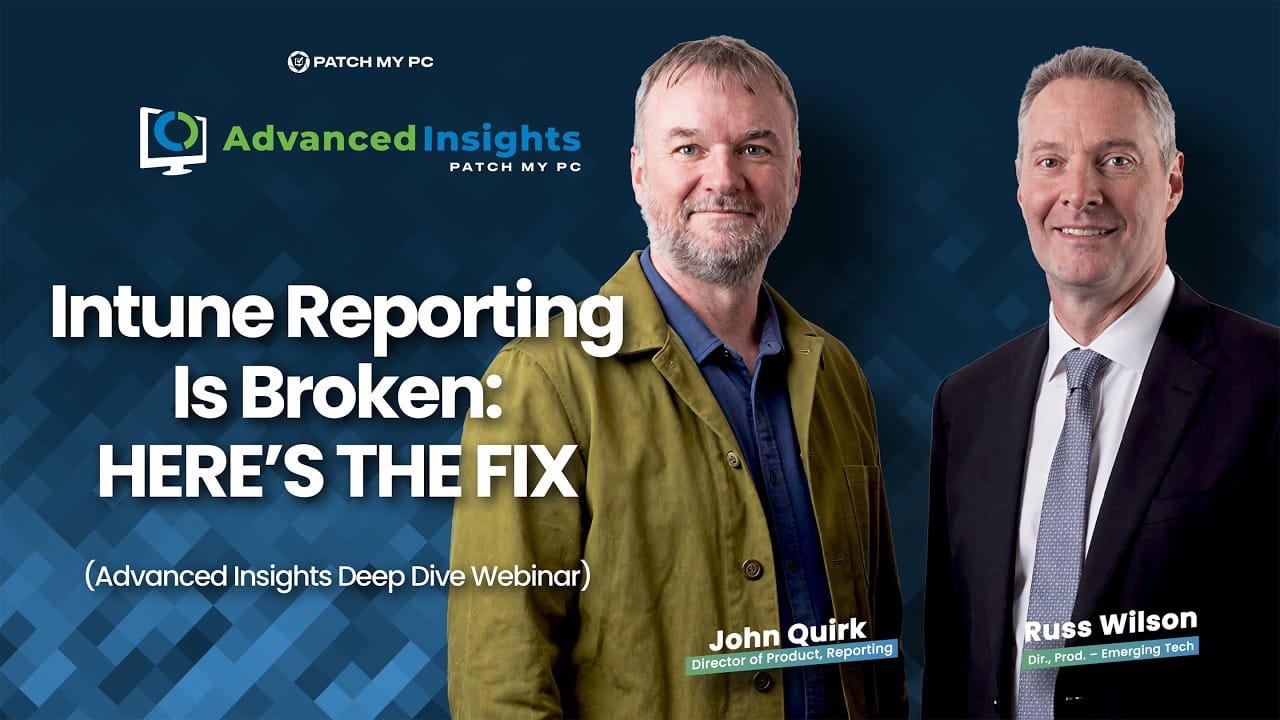
What we cover in the webinar:


Webinar Hosts

Patch My PC
Director of Product, Reporting
Patch My PC
Director of Product, Emerging Technology
Webinar Archive
Microsoft’s AI Powered Future: What IT Teams Must Prepare for in 2026
Microsoft has laid the groundwork for AI across Intune, Windows, and the broader Microsoft 365 ecosystem. Copilot, analytics, and automation are moving fast, and IT teams are now expected to modernize their environments just as quickly.
The problem is not whether AI is coming. It is whether your app management, patching, and operational foundations are ready to support it.
In this webinar, we will break down what Microsoft’s AI strategy actually enables today, where real gaps still exist including recent Enterprise App Management and licensing changes, and what IT teams need in place to adopt AI without introducing instability, surprise costs, or operational chaos.
Reserve Your Spot!
You’ll come away with a better understanding of:
How organizations are preparing for AI without reworking everything later, and….

What Microsoft’s AI investments really mean for Intune and endpoint management

Where Enterprise App Management fits and where it still falls short

How licensing and platform changes impact real world IT operations
Why clean app data, reliable patching, and automation are critical before adopting AI
Webinar Hosts

Patch My PC
VP, Engineering
Engineering and Microsoft perspective

Patch My PC
Director of Security & IT
Security lens and top Ignite security updates

Patch My PC
Software Engineer
Microsoft MVP, CVE Insights, and automation
Patch My PC
Director of Product, Emerging Technology
Microsoft IT eco-system and 2026 AI outlook
Webinar Archive
Get Ahead of IT and Security Chaos this New Year
Year end is chaotic and Microsoft Ignite adds more noise. Join us to learn what matters, what to ignore, and how to automate the right changes before January hits.
You will leave with a plan that lets you set it, forget it, and stay ahead of every patch, policy, and threat. Learn from the people who helped build the Microsoft systems you use every day, including the engineers behind ConfigMgr patching and the security team tracking every CVE.
Reserve Your Spot!
You’ll come away with a better understanding of:

The most impactful Microsoft Ignite updates for IT and security teams.

How to set your patching and compliance workflows on autopilot before year-end.
Emerging security trends and how automation can help you stay ahead.
The checklist for a worry-free January: no emergency patching required.
Webinar Hosts
Patch My PC
VP, Engineering
Engineering and Microsoft perspective
Patch My PC
Director of Security & IT
Security lens and top Ignite security updates
Patch My PC
Software Engineer
Microsoft MVP, CVE Insights, and automation
Patch My PC
Content Writer Manager
IT pro and Microsoft IT pro updates
Patch My PC
Director of Product, Emerging Technology
Microsoft IT eco-system and 2026 AI outlook
Webinar Archive
MMS Nashville & Ninjas FOMO? Catch the Big Announcements Live
Couldn’t make it to MMS Nashville or Ninjas? Maybe you want to relive the highlights? We’ve got you covered.
This live webinar brings the same experts and the same big reveals straight to you. From Advanced Insights for Intune now GA, to Patch My Mac, ARM compatibility, and our new Migration Tool, you’ll see what’s available now, what’s in preview, and what’s coming soon.

- Migration Tool (Preview): Save years of manual rebuilds moving ConfigMgr apps into Intune
- Coming Soon: Sneak peek into new helpdesk and MSP automation features
You’ll come away with a better understanding of:
Close reporting gaps with shareable dashboards

Manage updates for macOS devices in Intune

Keep every device patched, no matter the chip

Mobile-first alerts that cut through vulnerability noise
Webinar Hosts
Patch My PC
Software Engineer
Patch My PC
VP, Engineering
Patch My PC
Director of Product, Reporting
Webinar Archive
Scappman to Patch My PC: Live Demo + AMA
Webinar Summary
Getting ready to migrate from Scappman to Patch My PC? You’re not alone. Customers have asked for clarity on the differences, how migration works, and what to expect.
That’s why we’re hosting a live Ask Me Anything + Demo session to walk you through the migration process step by step. You’ll see a side-by-side comparison of both platforms, learn what’s new in Patch My PC, and get your questions answered directly by our product team.
What you will learn from this webinar:


Webinar Hosts

Patch My PC
Marketing Growth Strategist

Patch My PC
Customer Engineer
Webinar Archive
Take Back Control of Your Browsers Webinar
Browsers have become the place where users spend most of their time, yet they are often the hardest for IT teams to manage. Multiple variants of Edge, Chrome, and Firefox combined with countless unmanaged extensions, make it difficult to maintain consistency and security.
In this session, we’ll explore the common challenges enterprises face when managing and patching browsers. We’ll spend time on Microsoft Edge, Google Chrome, and Mozilla Firefox, looking at the nuances of different variants, user-profile installs, and the complexities that show up in support. We’ll also touch on browser extension discoverability and how Advanced Insights can help.
By the end of the webinar, you’ll be better equipped to plan, manage, and standardize browser updates in your organization.
You’ll come away with a better understanding of how to:


Webinar Hosts
Patch My PC
Systems Architect
Webinar Archive
What’s New: Discussing macOS and other Feature Launches

Webinar Summary
Join us for a live walkthrough of our latest features, including macOS support. We’ll cover what’s new, what’s improved, and what it means for your environment.
Webinar Hosts
Patch My PC
Software Engineer

Patch My PC
Software Engineer

Patch My PC
Strategic Innovation Leader, PSADT

Patch My PC
Software Engineer
Patch My PC
Director of Product, Reporting

Patch My PC
Software Engineer
Upcoming Webinars and AMAs
Webinar Archive