
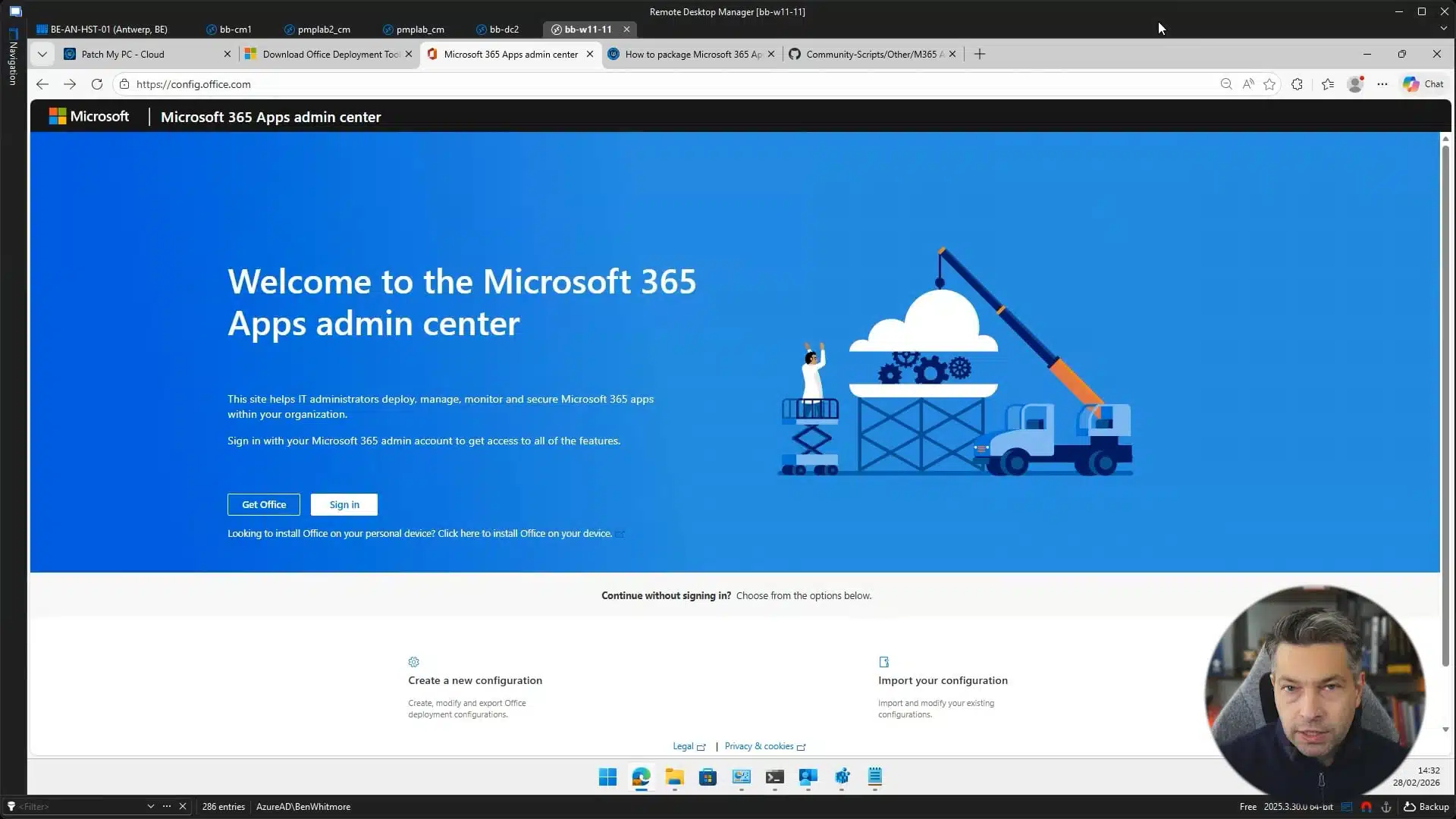
Review the KB article on how How to Package Microsoft 365 Apps as a Custom App — https://patchmypc.com/kb/how-to-package-microsoft-365-apps-as-custom-app/
In this video, we walk through how to prepare a Microsoft 365 Apps package for use with the Patch My PC Custom Apps feature
Microsoft 365 Apps uses a Click to Run installation model that allows you to control update channels, application selection, architecture, language packs, and update behavior. This flexibility provides strong control over how Microsoft 365 Apps is deployed in your environment. It also means that packaging Microsoft 365 Apps requires careful planning, especially when defining configuration XML settings, update strategy, and installation source options.
For detailed guidance on customizing Microsoft 365 Apps installation settings, including supported configuration XML options and command line parameters, refer to the Microsoft documentation for the Office Deployment Tool at https://learn.microsoft.com/deployoffice/overview-office-deployment-tool