4.8(710 reviews)

Automate Third-Party Patch Management in Intune & Microsoft ConfigMgr

Trusted by over 10,100 Enterprises on Over 30.2 Million Endpoints

How it works

Discover & deploy apps
Instantly map existing apps across devices. Deploy fully updated versions through ConfigMgr, Intune, and WSUS. Auto-configure & deploy new apps.
Automate patching & updates
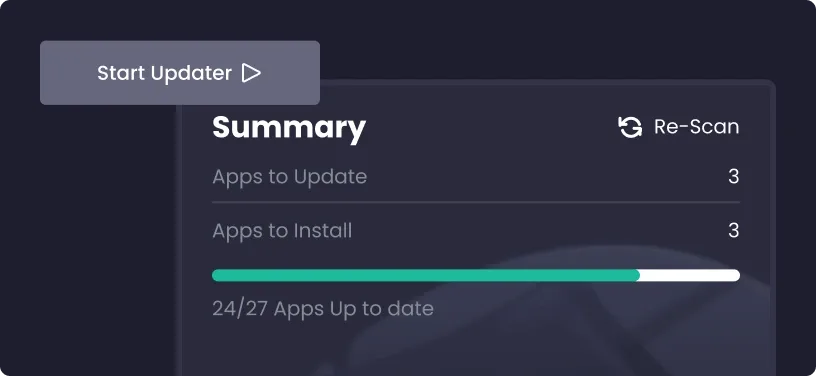
Monitor for software updates. Automate testing and packaging. Auto-prioritize based on risk level. Deploy to PCs within 24 hours of release.
Boost compliance & save time
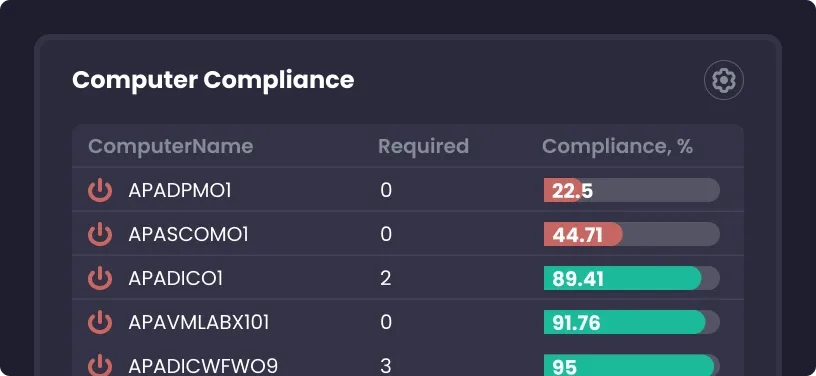
Monitor compliance status, device health, security events, etc. Instantly identify at-risk devices. Free up IT staff. Save time on security and patching.

10,100
Customers
30.2
Million Devices
3292
Supported Products

Products that get you there

Advanced Insights

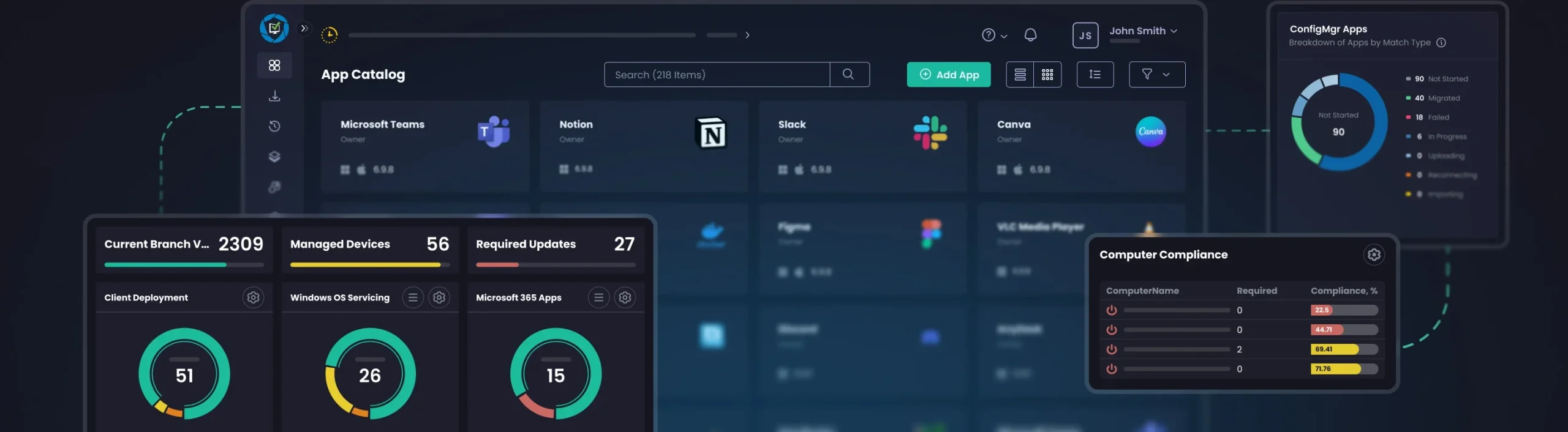
Converting complex ConfigMgr report information into delightfully eye-catching visuals.

Learn More
Intune Apps for Patch My PC Cloud

One SaaS portal to manage all application updates.

Learn More
Patch My PC Publisher

The comprehensive solution for managing third-party application updates in your enterprise environment.

Learn More

What Customers Say About our products

Intuitive App Management, Seamless Intune Integration
I use Patch My PC to govern and update enterprise applications, which greatly improves the time it takes to deploy and update apps across many endpoints. I find the Patch My PC UI to be clean, efficient, and intuitive, especially compared to Intune at times. I really like the App Discovery page and the App Deployments page because they are super easy to navigate, making…
Chilembwe Asante
Streamlined App Management with Custom Deployment
I like how Patch My PC makes management of applications much easier, especially with packaging custom apps. The pre-packed apps perform really well, particularly for continuous updates. The UI is easy to use, and the platform overall works really well. I particularly appreciate the way it extracts information from MSIs and makes deploying custom apps easier. It’s quick to update Intune with changes made on…
James Coote
Effortless Integration and Solid Support
I like the usability of Patch My PC; it’s easy to use, and I can guide someone who’s never used it before to deploy an app with just a few clicks. The support is also really great because if I run into any issue, I can open a support ticket and it’s usually answered or responded to almost the same day. The integration with Intune…
Max Glogoza
Microsoft Intune Integration that Automates Installs, Updates, and Patching
The connection ton Microsoft Intune allows our IT department to automate software installation, updated and patching. This alone is the work of one full time employee. Only issue I have is that it does not allow for easy registry key deployments. Coming from Scappman that was a great feature. Remote deploying application and keeping them updated is a huge benefit for our IT team and the company….
Raul Mercado
Intuitive Automated Patch Management
I like the easy-to-use interface of Patch My PC, especially compared to Intune. It is intuitive, and you don’t have to search long to find functions. Additionally, I appreciate that Patch My PC can automatically update software, saving us from manually updating all clients. The initial setup was very easy, as an employee demonstrated all the important aspects to us. Patch My PC automates software updates…
Leon Kaesmann
Effortless Updates and App Deployments in Just a Few Clicks
I like how effortless it is to prepare new updates or app deployments. It is as easy as clicking a few buttons and choosing the group you want to deploy them too. PatchMyPC has significantly enhanced our IT operations by enabling us to fully automate the process of application updates and deployments across the organization, resulting in improved efficiency, greater consistency, and reduced manual effort for…
Burim Kllokoqi
Outstanding Support and User-Driven Features
One of my favorite things about Patch My PC is how incredibly helpful their support staff are. Whenever we’ve run into an issue that couldn’t be solved with one of their many knowledge articles, their team has always stepped in and guided us to a solution. I’m also a big fan of the “vote for your ideas” section on their website, where you can suggest…
Ryan Weeks
Patch My PC Saves Time Managing Multiple Software Applications
It’s easy to use and follows a similar approach to Intune, making it simple to integrate and intuitive to use from the start. The portal is easy to navigate, and their customer support is fast and approachable. Implementation was straightforward with the onboarding session. If we need to update or add a new app across the business, we just jump into the portal. It’s largely…
Jonathan Goodall

Ready to get started?

See how automated application installations and updates can make your life easier.