
Review the Doc article on Connecting Publisher to Patch My PC Cloud — https://docs.patchmypc.com/patch-my-pc-cloud/cloud-administration/manage-cloud-connections/add-a-connection
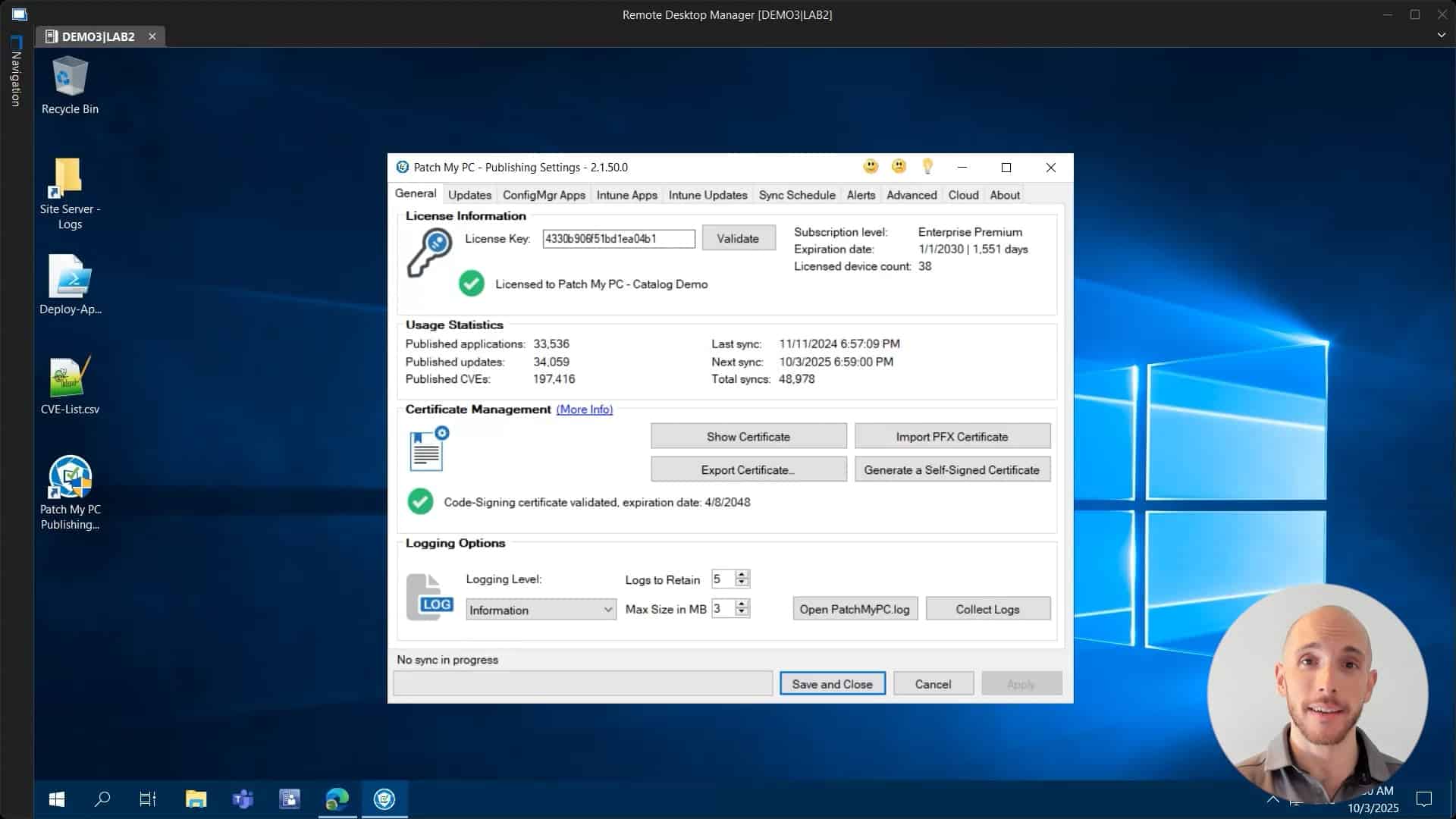
In this video, we show you how to connect Patch My PC Publisher to Patch My PC Cloud. Once Publisher is connected to Patch My PC Cloud, you can manage all of the instances of Publisher connected to your portal. This allows you to leverage Custom Apps in Publisher and enables other cloud features, like Migration
Hi there, my name is Hugo. I’m a customer engineer here for Patch My PC. And today I’m going to talk to you about the cloud connection. So what is the cloud connection? This is what actually allows you to connect your own local on-prem publisher to your own instance of the Patch My PC cloud portal. So all you have to do is to go into your publisher, then you need to click on the cloud tab that you will have here on the right as highlighted on my screen. So let’s click on there right now.rnrnThen you have to fill out the connection name, which can be whatever name you want. It doesn’t really make a big difference. So let’s just call this PMPC connection. In a small note though, as a prerequisite, you will need to have already created your own Patch My PC Clouds portal company. Okay. We also have a video on that. The link will be here below in the description. So you can just have a peek at that, but you need to do that first. Okay. So once you have that, you just have to put a name here. Like I said, click on connect.rnrnthen you’re going to get prompted to log in and you need to use the same account that was used before when you first created the cloud company. Okay, so I’m going to use my own account here, click next, sign in. And as you can see, authentication has been completed and we can now return to the application. So we can close this for now and we can now see a green icon and the connection status as success. So what this feature actually allows us to dornrnis to basically now create custom applications within the cloud company that we can then also publish using the publisher. So if we now just quickly go into the cloud and on the settings we can see other connections, we have our PMPC connection created within the portal. So that’s all for today. Hope that this video was helpful to you. If you have any comments or suggestions, feel free to leave a comment below. And thank you so much for watching. Have a great day.